One System.Whole Operation.
From
|,
take control of your whole operation.
Act before the money is spent.
Separate tools
hide the losses.
No live visibility
What stood, and why, you find out after the shift.
Information falls behind
The site moves faster than its numbers.
Losses you only see at month-end
Downtime, waste and overruns surface a month late.
You don't need more tools. You need one set of numbers everyone can trust.
One systemfor the whole field operation.
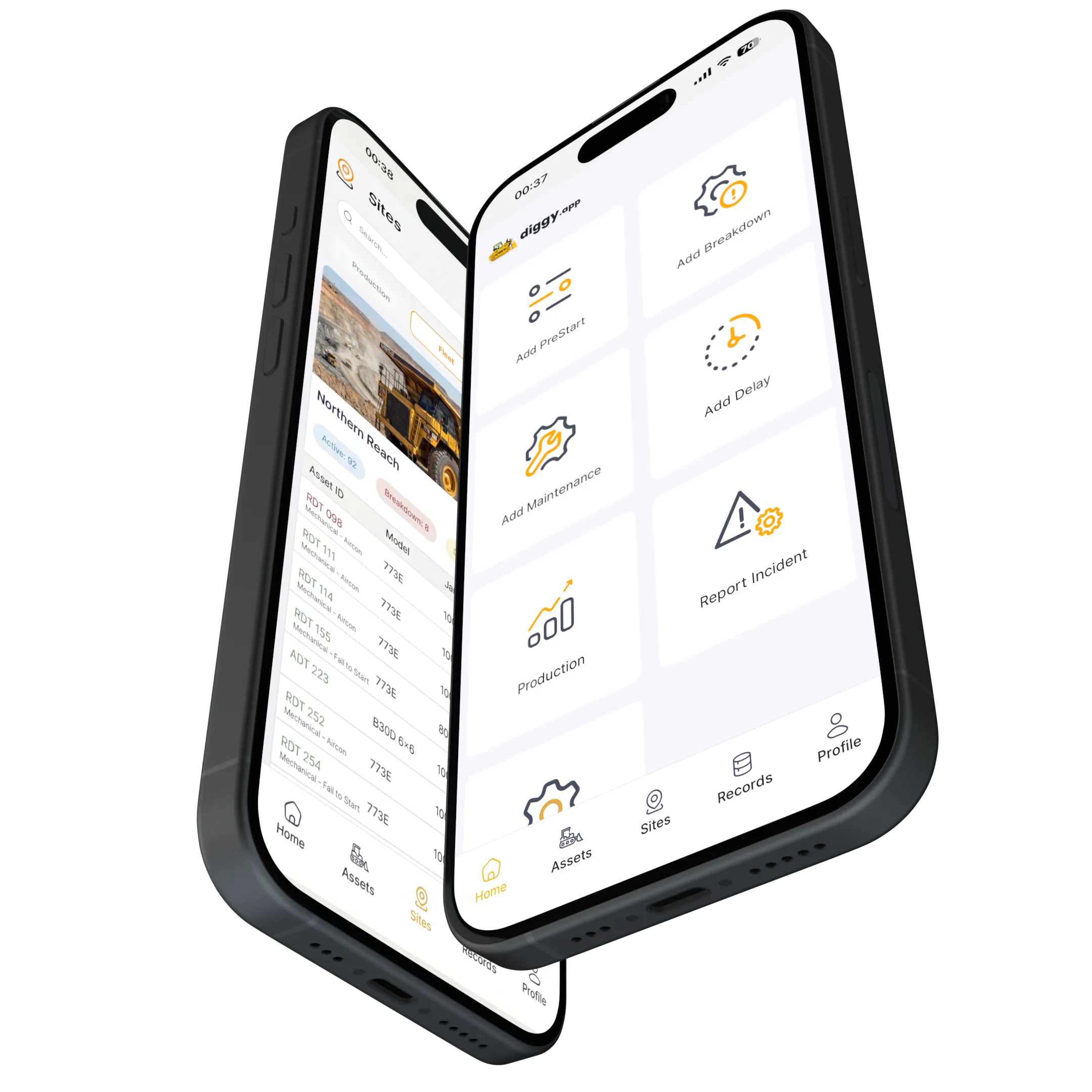
Diggy™ brings it all together: production, machines, fuel, maintenance, parts and people, in one system.
Field teams, supervisors, and management on the same checked numbers.
Unified
One system, one login. Site and head office work from the same numbers.
Built on Reality
Human + Machine
Machine data shows what happened. Human inputs explain why. Diggy captures both.
Field-Proven
Built for harsh conditions and limited connectivity. Offline-first mobile that teams actually use.
You ask, it answers.
The 05:00 brief before shift start, by chat or voice, online or offline. Every figure cites its source.
Diggy in one hundred seconds.
What the whole field operation looks like when production, machines, fuel, maintenance, parts and people sit in one system.
One site can run more than 20 different OEMs, and each manufacturer's software shows only its own machines. Diggy runs the whole mixed fleet in one system, so you see the whole operation.

Capture. Connect. Control.
From the shift report to head office, the same numbers.
Offline-first workflows: pre-starts, SMRs, production entries, fuel logs, inspections, job cards, and telematics.
Machine data and what people record on site become one set of numbers, time-stamped and consistent.
Dashboards, exceptions, reporting, and administration, so site and head office act on the same numbers.
Capture
Mobile / Field
Offline-first workflows: pre-starts, SMRs, production entries, fuel logs, inspections, job cards, and telematics.
Connect
Platform
Machine data and what people record on site become one set of numbers, time-stamped and consistent.
Control
Web / Office
Dashboards, exceptions, reporting, and administration, so site and head office act on the same numbers.
Everything your site needs
to run, connected
in one system.
Production
Drilling, blasting, load and haul, processing, per shift.
Machines
The register, hours, availability, and what each one cost.
Maintenance
Job cards, breakdowns, services due.
Diggy Telematics
Every make on one map, no portal per manufacturer.
Fuel and fluids
Every litre issued, burned and unaccounted for.
Parts and stock
Requisitions, receipts, stocktakes.
Logistics
Deliveries and material movements, tracked to the tonne.
Line-up and shift handover
Who is on which machine, and what the last shift left behind.
Incidents and compliance
Hazards, incidents, documents, audit-ready.
Commercial
Contractual availability, delays, claims, and the numbers that back them.
Control room
Live fuel, compliance and exceptions across every site.
Reports and Ask Diggy
The shift report, the dashboards, and the answer with its source.
Built to work
without signal.
Field teams keep recording their part of the shift, even when signal drops.
Feeds your ERP
the checked numbers.
ERP-ready
Diggy validates field data before it reaches finance, which cuts reconciliation and lifts data quality.
Telematics is one input
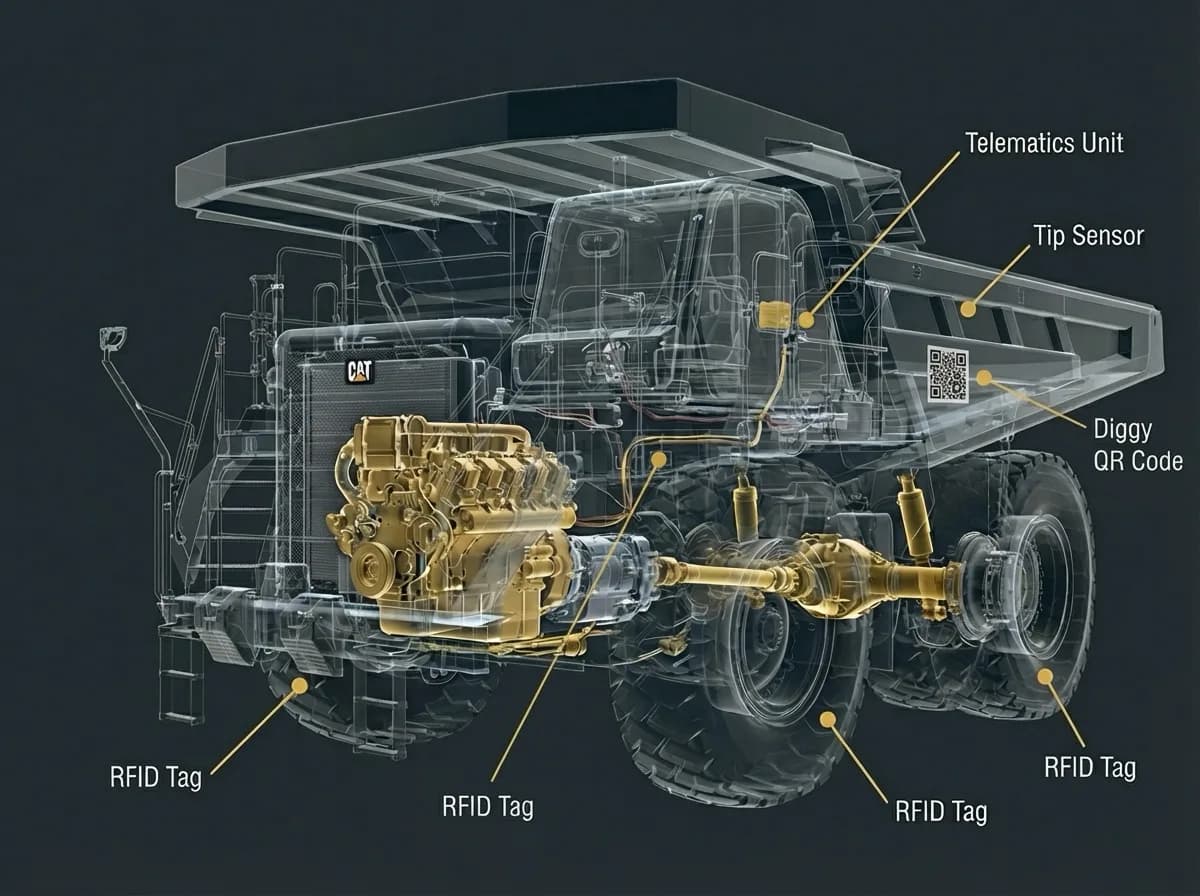
Telematics shows what happened. Diggy adds the human context that explains why.
See inside the machine.
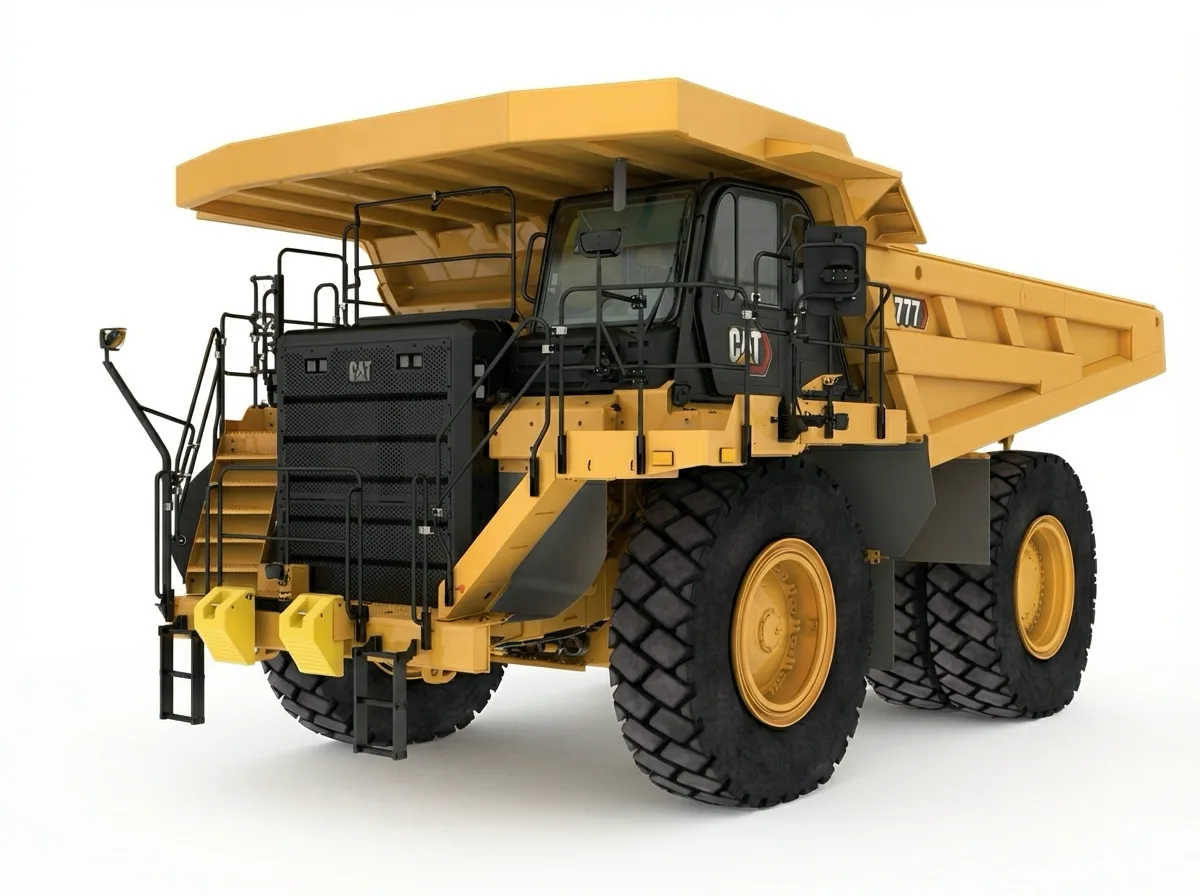
Hover or slide to see where the sensors sit on the machine.
Go live in weeks.
Configure
Set up sites, locations, assets, and workflows
Deploy
Onboard field teams on mobile, management teams on web—roll out telematics and RFID on plant & equipment
Scale Out
Expand across sites, departments, and asset classes
Full Control
Unified visibility, real-time dashboards, and measurable value: one set of numbers everyone works from
Field-proven on real sites.
Delivered on 50+ sites
Questions?
What is Diggy?
Diggy is one system for the whole field operation: production, machines, fuel, maintenance, parts and people. You get the answer straight away, with its source, so you can act before the money is spent.
Is Diggy an ERP replacement?
No. Diggy works alongside your ERP and feeds it with clean, accurate operational data.
Does it work offline?
The mobile app is offline-first: 24 to 48+ hours fully offline, then it syncs when the signal comes back. The web app is designed for connected environments.
Is Diggy just telematics?
No. Telematics is one input. The people on site record their part, the machines feed theirs, and Diggy holds both, so you know what happened and why.
What does Diggy typically replace?
Multiple point solutions and manual processes: spreadsheets, paper checklists, ad-hoc messaging, maintenance logs, fuel tracking, parts tracking, and disconnected dashboards.
Who is Diggy best for?
Multi-site, heavy-asset operators in mining and construction, especially where connectivity is patchy and the full picture has to be rebuilt by hand.
How long does implementation take?
Most companies go live in weeks, not months, then scale across sites.
What about AI?
Diggy was built around AI from the start, by Cambridge engineers. It works across everything that is connected, which is why the answer comes straight away. Put a question about your operation to it by chat or voice and the answer comes back with its source and a confidence level. At 05:00 every morning it posts the shift brief before anyone asks. Every plan includes it, with no AI tier and nothing to switch on. Where data is missing, Diggy says so: it tells you what is missing and how to close the gap.
Can Diggy handle mixed OEM fleets?
Yes. One site can run more than 20 different OEMs, and each manufacturer's software shows only its own machines. Diggy runs the whole mixed fleet in one system, so you see the whole operation.
How does pricing work?
Diggy is priced per asset, per site, or as an enterprise agreement for the whole operation, billed monthly so it stays predictable. Contact us for a quote based on your operation size and requirements.
Act before the money is spent.
One system for the whole field operation. Ask Diggy. Check the source.
We take on a limited number of new sites at a time, so every rollout gets our full attention.